Bring clients into one portal
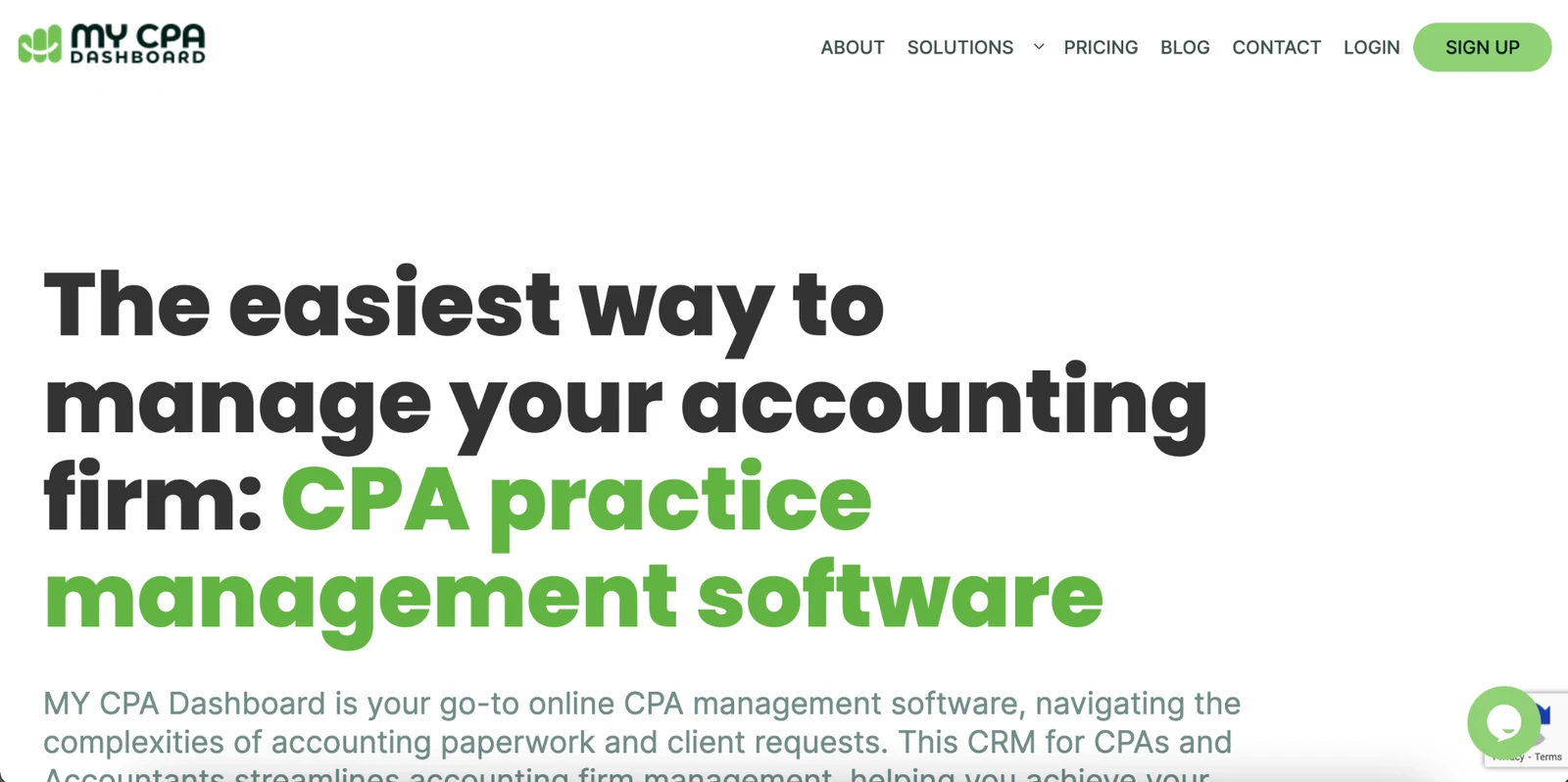
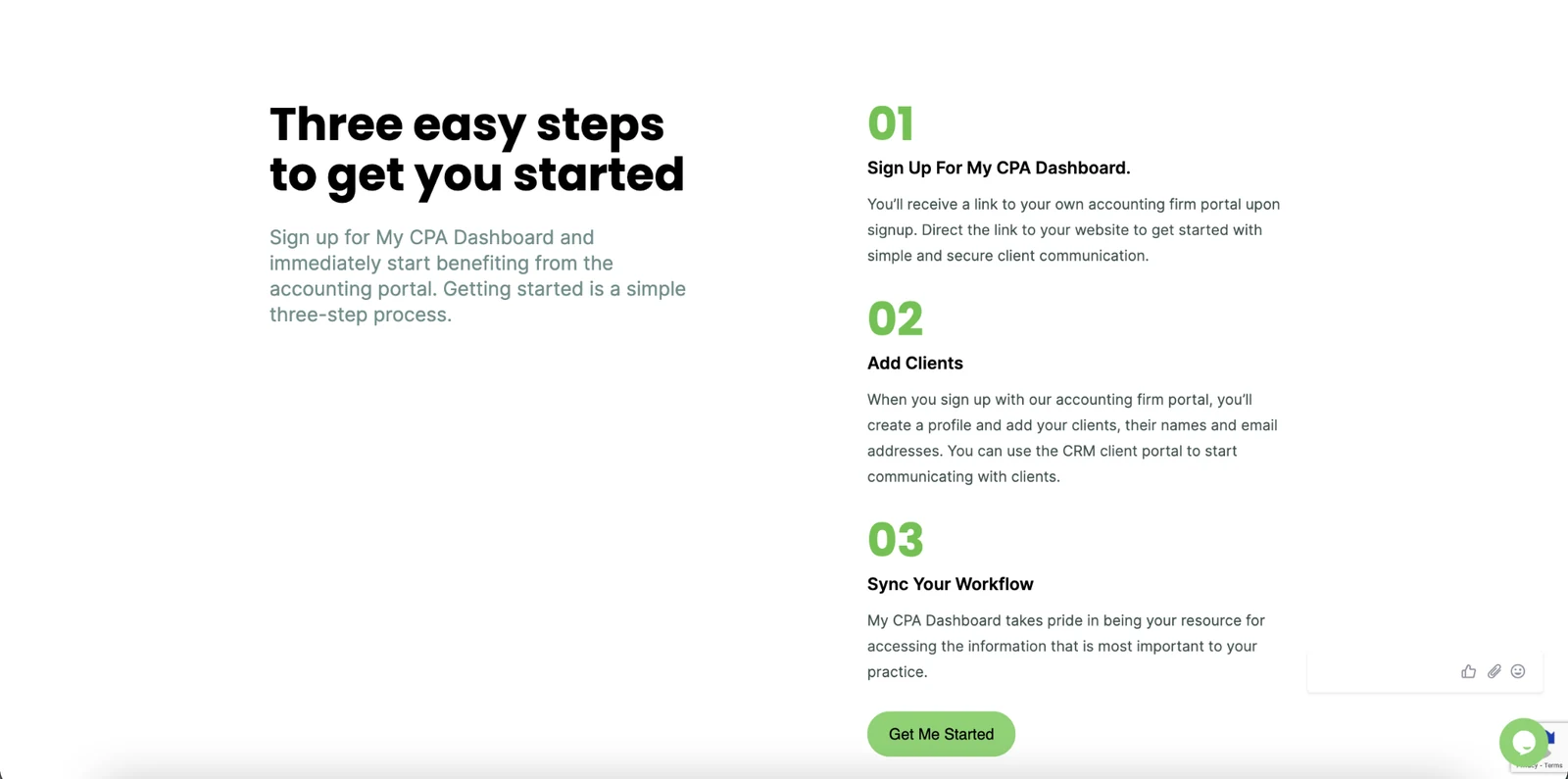
A central client portal brings financial records, communication and shared documents together. Firms can tailor branding and manage access for team members and clients.
My CPA Dashboard / Fintech · Accounting & applied AI
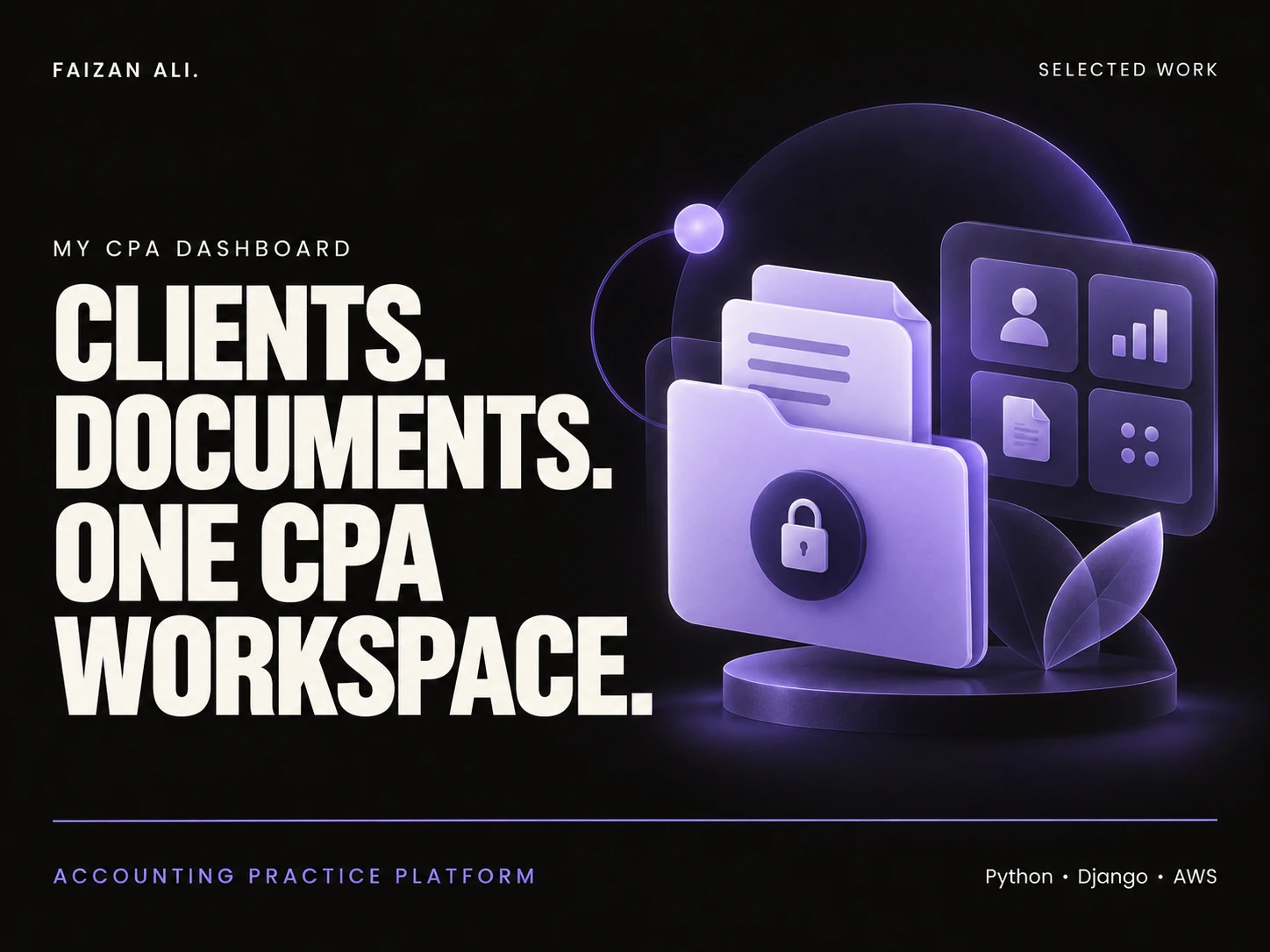
Connecting client information, documents and financial workflows across a web platform and companion mobile app.
01 / The challenge
Accounting professionals were managing fragmented client communication, growing volumes of documents and repeated requests for bank statements. Manual bookkeeping and follow-up tasks added work, while client information was difficult to keep organized across the practice.
Our team at Esketchers developed a web-based SaaS platform that connects client records, document sharing, payroll, billing and reporting. A companion React Native app supports a more limited set of mobile workflows. Integrations connect the platform to financial data and specialist services, while an AI chat interface helps users locate reports and invoices.
02 / The platform
A central client portal brings financial records, communication and shared documents together. Firms can tailor branding and manage access for team members and clients.
Cloud storage, custom folders and file permissions support document requests and sharing. E-signatures, document statuses and automated reminders help teams follow approvals through.
Plaid integration provides access to connected financial data for reporting and verification workflows, helping reduce manual collection and entry of banking information.
Stripe Connect supports invoicing, payment-status tracking and multi-currency transactions. Accountants can create recurring client plans and manage invoices, bills and receipts.
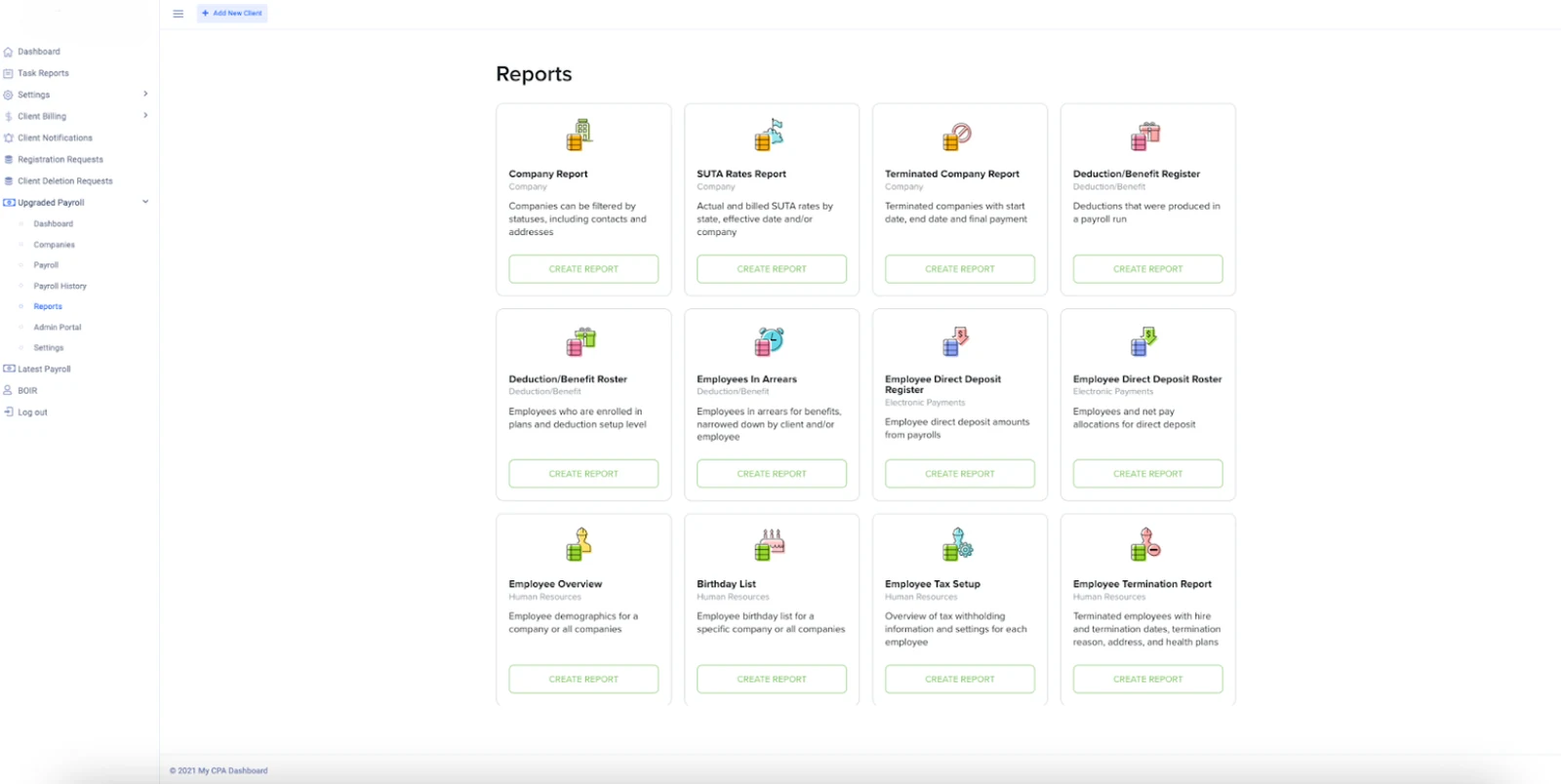
Payroll workflows cover salary calculations, deductions and benefits. Reporting tools bring company, employee and payroll information into views accounting teams can use.
Task assignments, deadlines, workflow templates and calendar integrations help coordinate team and client activity. Activity tracking and audit trails support visibility into changes.
Applied AI
The platform includes an AI chat feature using retrieval-augmented generation (RAG) to help users find reports and invoices. Users specify details such as transaction type, month and year, and the assistant returns a link to the relevant report. This gives the AI a defined role within the accounting workflow: helping users retrieve the information they need.
Delivery & quality
QA started during requirements and planning, followed by unit, integration and end-to-end testing. The team validated web and mobile workflows across devices and browsers, included user acceptance feedback, and automated testing through CI/CD. Security, performance, load and stress testing supported release checks, with monitoring and regression testing after deployment. Agile delivery combined sprint planning, daily check-ins and regular reviews, using Figma, Asana and Skype for design and coordination.
What it enabled
Client records, documents, billing and tasks are available within a connected platform, giving teams a common place to manage their work.
Document requests, approvals and reminders sit alongside client communication, helping accounting teams follow outstanding work through.
Connected data sources, report menus and AI-assisted retrieval provide different ways to access the information needed for day-to-day accounting workflows.
Your next project
Let’s discuss what your team needs to see, decide and do—and the software that can make it possible.
Discuss your project ↗